Clear item list
This action removes all rows of the Item list selected in the configuration. Rows that the user cannot see in acceptance mode are removed as well.
The action is only available in process automations and cannot be created as part of a Global automation.
Basic configuration
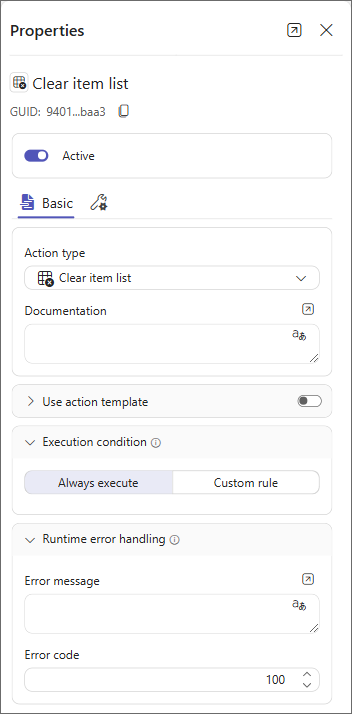
The Basic tab of the Properties panel holds settings shared by every action in an automation: the Active switch, the Action type field, the Documentation field, the Use action template switch (when enabled, the action takes its configuration from the selected action template defined in the process), the Execution condition section (decides whether the action always runs or only when a custom rule is met), and the Runtime error handling section (the message and numeric error code returned when the action fails). Since these settings are not unique to the Clear item list action, they are described in detail in the Actions chapter.
Advanced configuration
The Advanced tab holds one field specific to this action: Item list.

1. Item list
The Item list whose rows will all be removed when the action runs. The field lets you pick one of the Item lists defined in the process.
For more information, see: Actions on the item list on our technical blog.