Choice tree
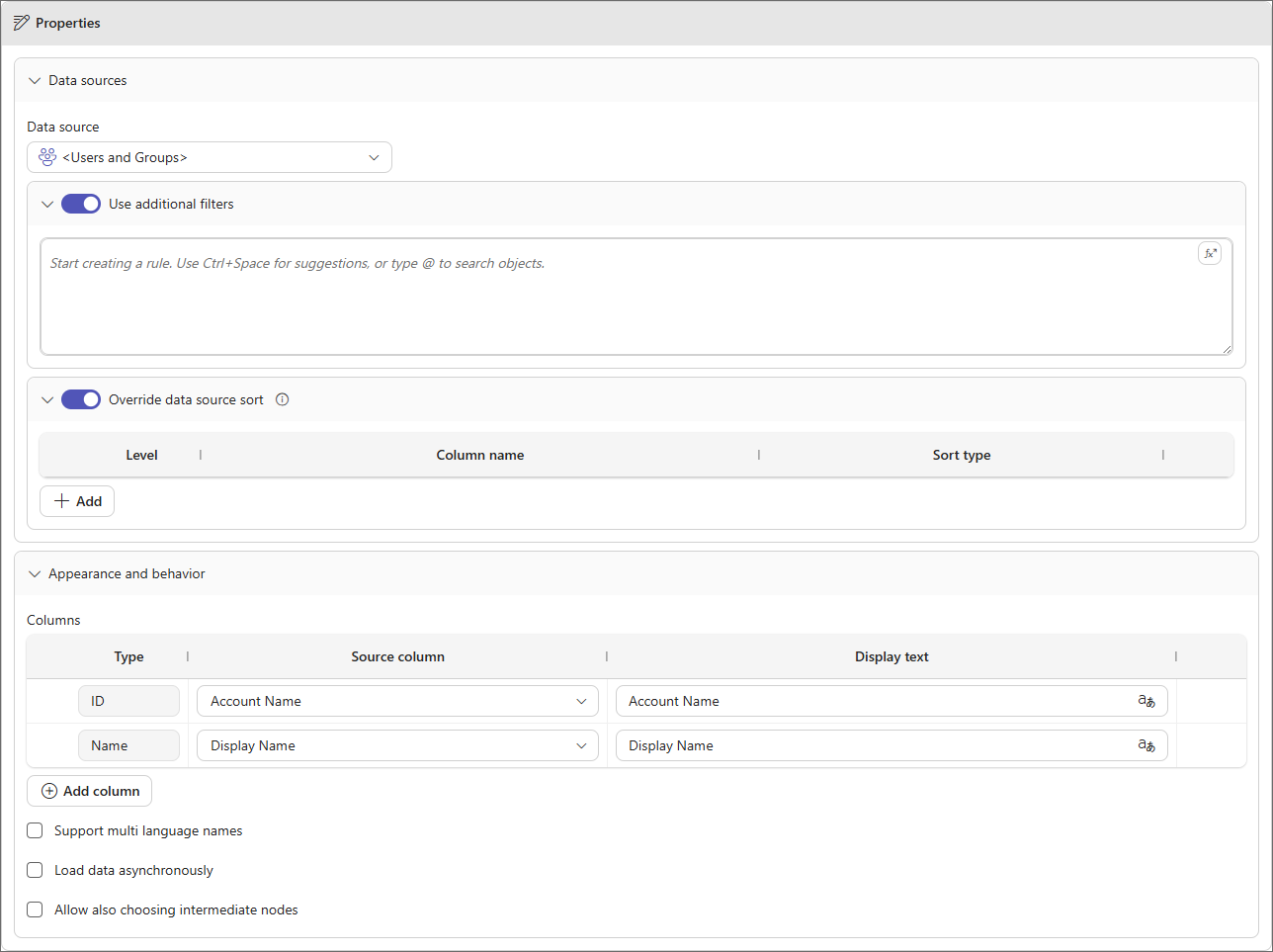
The Choice tree column lets you display values in the form of a tree and select one of them. There are two ways of configuring the data source – using a ParentID column or using paths – as well as the option to enable asynchronous data loading. The Properties section configuration is analogous to the Choice tree form field configuration.
Once a data source is selected, the Use additional filters and Override data source sort options are available in the Data sources group and work in the same way as in the form field configuration. The column has no Test button.