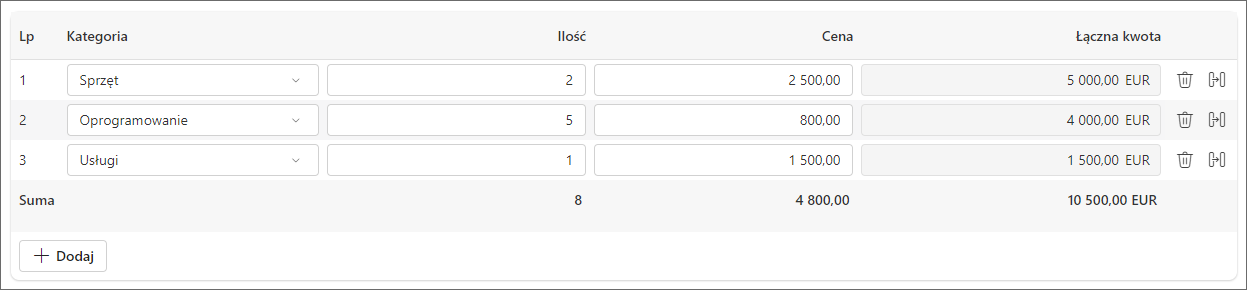
Item list
The Item list form field displays data as a table – values in columns can be edited, and individual rows can be added, duplicated, or deleted. The contents of an item list can be exported to an Excel file, or imported from an .xlsx file.
To learn more about exporting and importing data, read the article available on the WEBCON Community website.
The Item list form field allows rows to be grouped on the form – the grouping view lets users expand and collapse groups, and shows partial sums when the relevant option has been enabled for a column.
To learn more about grouping, read the article available on the WEBCON Community website.
To increase the clarity of an item list, coloring options discussed in the following articles can be used:
Column types
Columns are added in the Column layout section, using the Add button – columns are grouped into four categories.

| 1. Basic | 2. Choice | 3. Dynamic | 4. Attachments |
|---|---|---|---|
| Single line of text | Choice list | Calculated decimal value | Local attachments |
| Floating point number | Choice tree | Hyperlink | Related attachments |
| Multiple lines of text | Choice with search | Data row | |
| Date and time | Yes/No choice | Calculated text value | |
| Choice with autocomplete |
More information about the Item list form field is available in the following WEBCON Community articles:
Usage example