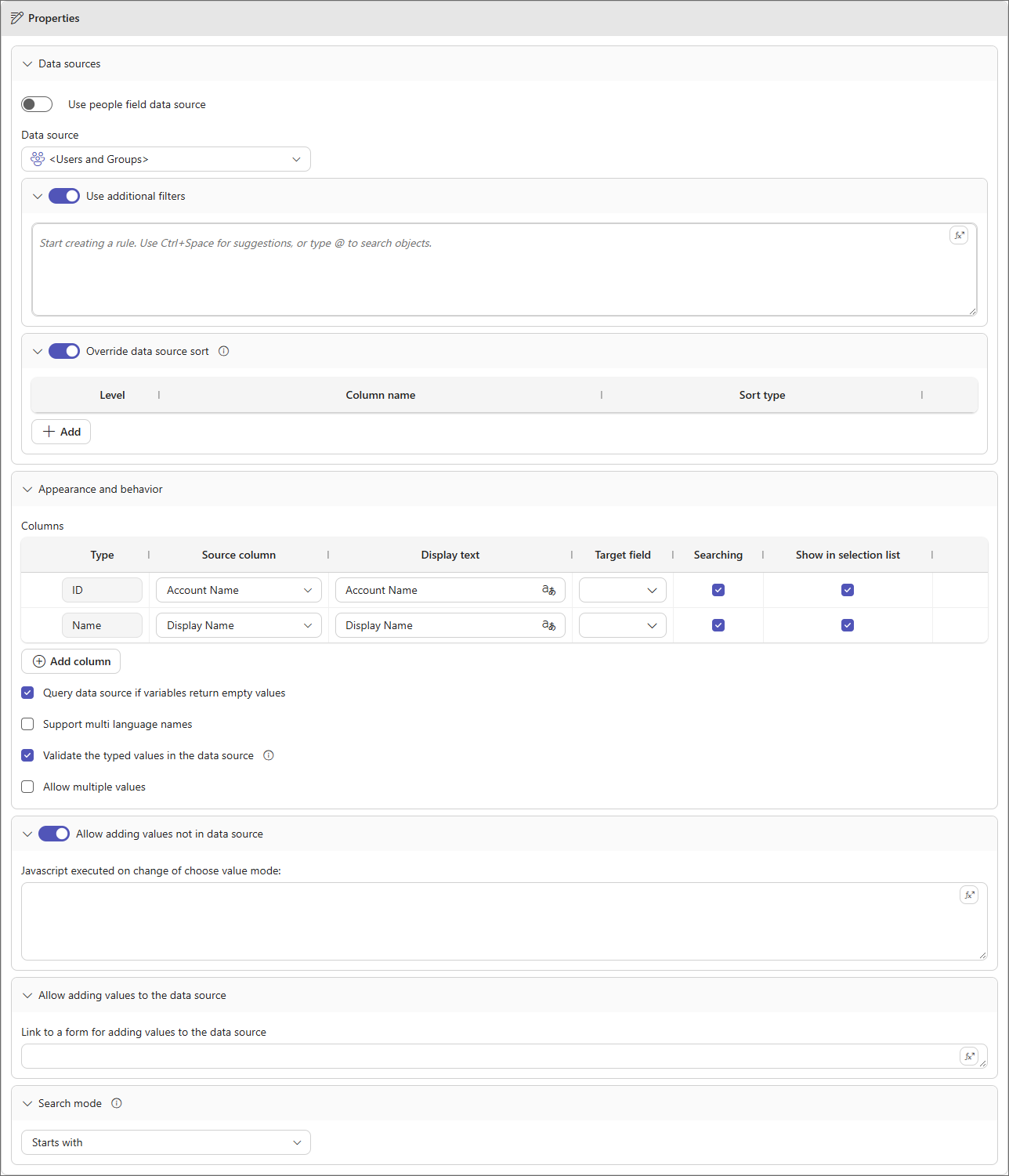
Popup search window
The Popup search window column lets you select a value from a list displayed in a pop-up window. It also lets you configure searching and filtering of the data source. The Properties section configuration is analogous to the Choice field form field configuration in Popup search window mode.
In the column's Data sources group, the additional Use people field data source option is available, which does not exist in the form field configuration – it lets the column use the users and groups data source, similarly to the Person or group form field. Once a data source is selected, the Use additional filters and Override data source sort options are available in the Data sources group and work in the same way as in the form field configuration. The column has no Test button.
The column's Allow adding values not in data source group does not include the Allow editing target fields when new value is added option. In the Columns table, the Show in search results column is labeled Show in selection list instead.