Settings
The Settings node of the Global definitions section contains environment settings that affect the entire system configuration: the environment edit mode, the default business entities structure source, and the process database acronym.
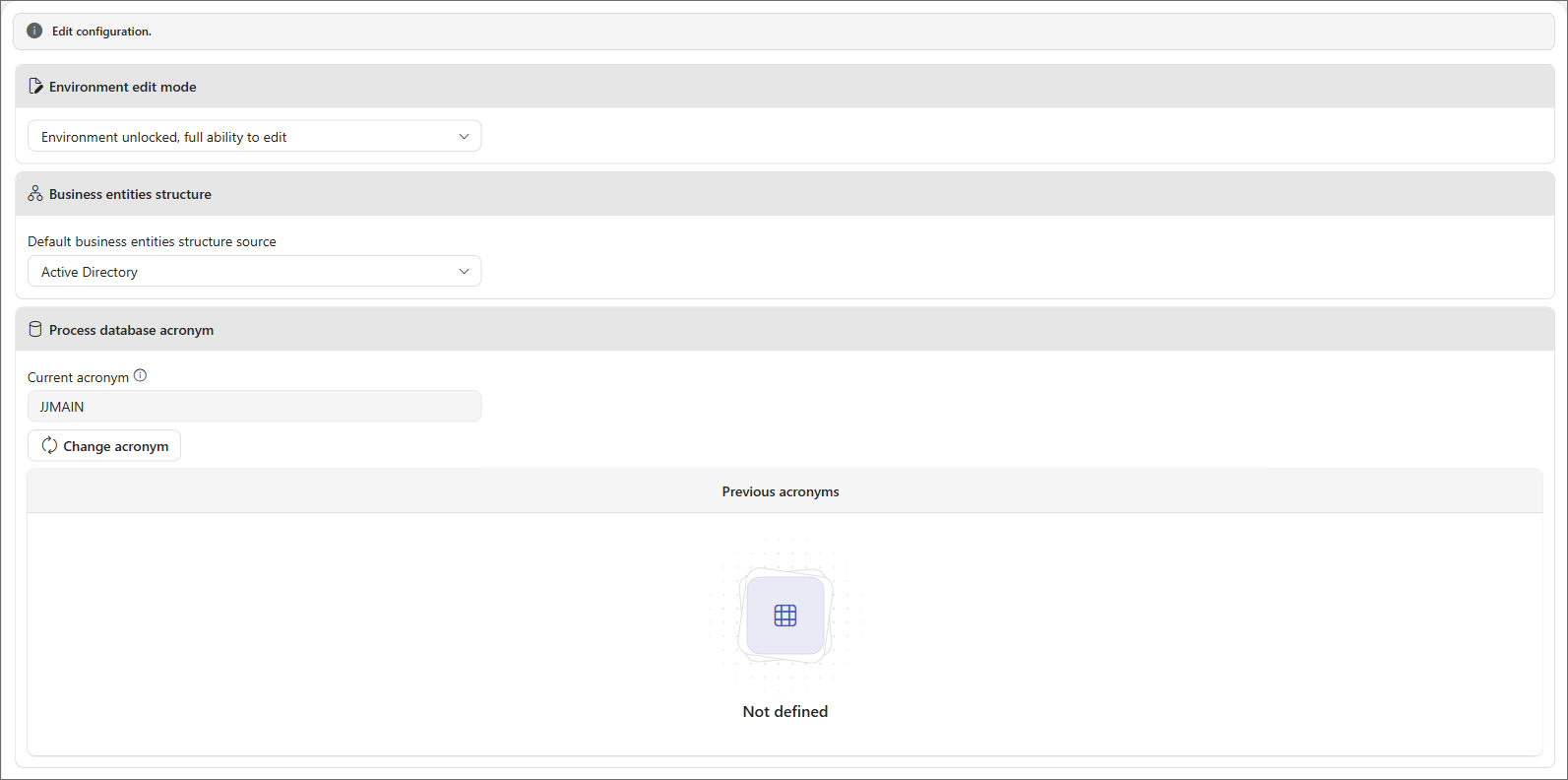
Environment edit mode
This setting lets you lock the possibility of making configuration changes on a given environment. The lock prevents discrepancies between environments caused by minor changes made directly, e.g. on the production environment, bypassing the development and test environments.
| Value | Description |
|---|---|
| Environment unlocked, full ability to edit | The environment configuration can be modified freely. |
| Environment locked, ability to edit restricted | Changes to the configuration of processes and data sources, as well as of global form fields, global constants, and business entities, among others, cannot be saved – except for selected settings, e.g. deployment mode, process permissions, or business entity permissions. Processes on a locked environment can be updated by importing an application. |
A locked environment allows parameters to be changed for testing purposes (e.g. in functions with a test button), but such changes cannot be saved. A detailed list of elements that can be modified on a locked environment can be found in the description of Global parameters in the Legacy Designer Studio documentation.
Business entities structure
The Default business entities structure source field specifies where data on the organizational structure of the company (e.g. users' supervisors) is retrieved from.
| Value | Description |
|---|---|
| Active Directory | The structure is retrieved from the Active Directory directory service. |
| Custom business structure | The structure data comes from a custom business structure rather than from Active Directory. |
Process database acronym
The Current acronym field shows the unique identifier of the process database. The acronym can contain from 3 to 6 alphanumeric characters and is used to distinguish which process database an instance comes from. It is placed in 2D barcodes and used when tracking e-mail correspondence with the WEBCON for Microsoft Outlook add-in.
To change the acronym, click the Change acronym button, enter the value in the New acronym field of the Acronym change window, and click Change. Previously used acronyms are presented in the Previous acronyms table (if the acronym has never been changed, the table shows the Not defined message).