Oracle data source
An Oracle database data source loads data based on a SQL query run against an Oracle database through a previously defined Oracle connection. Its configuration is close to that of the MSSQL data source — the elements specific to the Oracle source are described below, and for the remaining elements the relevant parts of the MSSQL data source page are referenced.
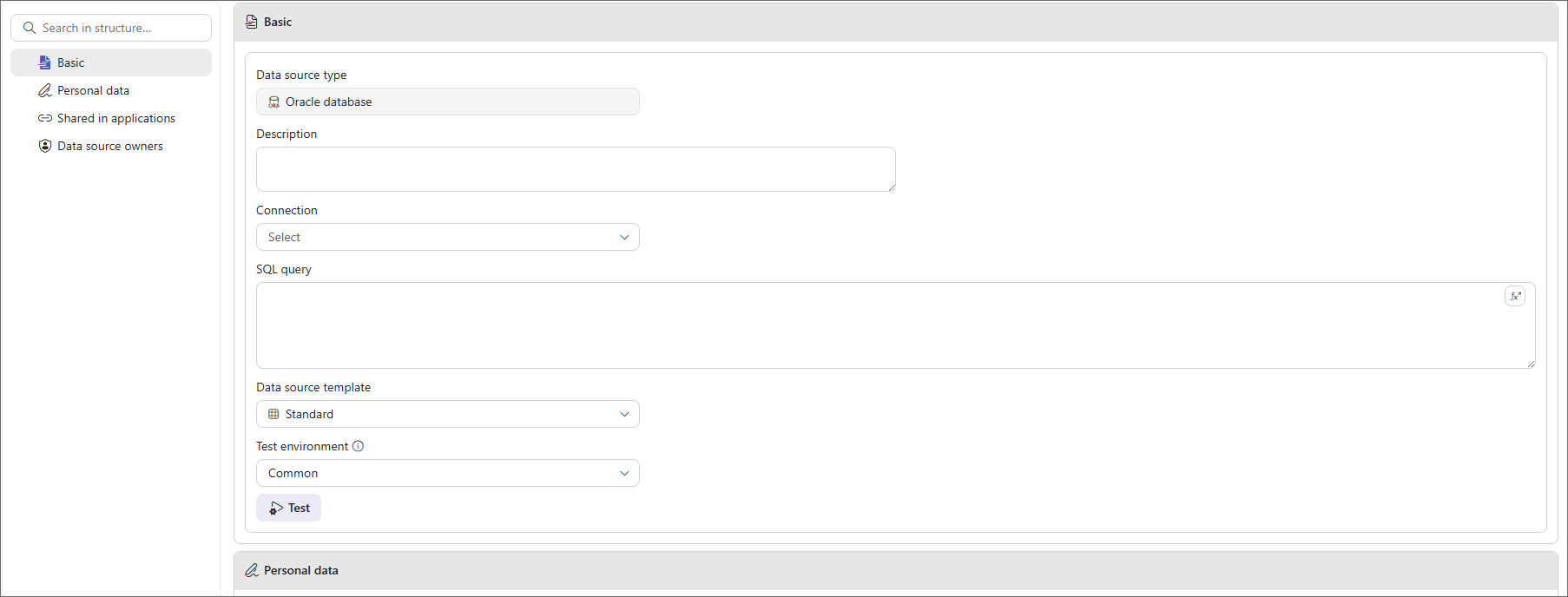
The structure tree on the left lets you jump to each section: Basic, Personal data, Shared in applications, and Data source owners.
Basic
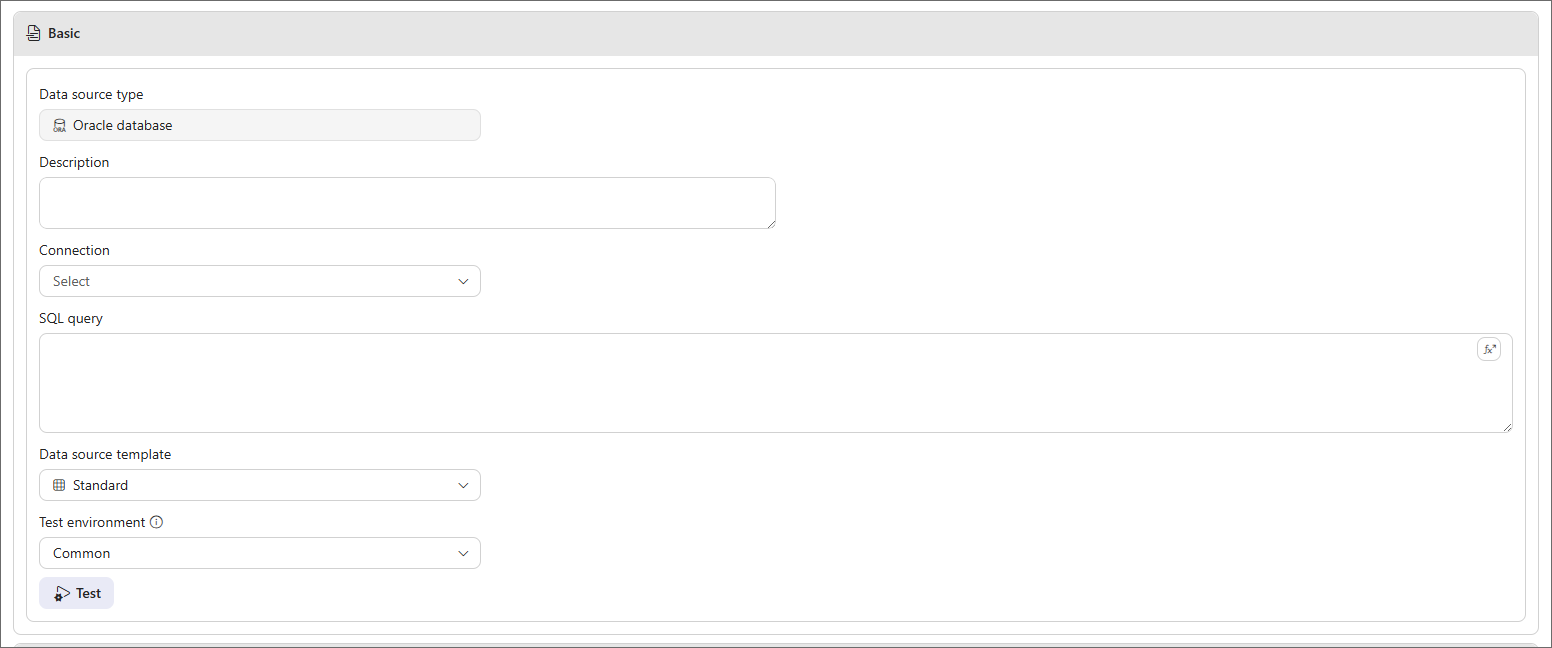
The Basic section contains:
- Data source type — the data source type, chosen once when the data source is first created (in this case Oracle database). Once the data source exists, this field becomes read-only — its type cannot be changed afterwards.
- Description — a free-text description entered by the user, making the data source easier to recognize in the data source list.
- Connection — the connection through which the query is run against the Oracle database. This field requires an explicit selection; it has no default value — a new data source shows the text Select.
- SQL query — the SQL query text that returns the data source's data.
- Data source template — determines whether the source is a regular data source (Standard) or one prepared for use with leave data or the company structure.
- Test environment — the environment in which the query test runs when the Test button is clicked.
- Test — runs the query and returns its result or an error message.
Connection

The list in the Connection field contains only connections of the Oracle database type, previously defined on the Oracle connection page. Unlike the MSSQL data source, there is no built-in <Current Webcon database> option here — a defined connection must be selected before the data source is used.
SQL query
The fx icon in the top-right corner of the query field (Open the expression editor) opens a full-screen SQL query editor. The editor works the same way as for the MSSQL data source: the right-hand side offers a Functions panel (the Global business rules and Hyperlinks categories), and the bottom has a Testing bar with the Element ID field and the Test and Preview buttons — see the MSSQL data source page for details.
Data source template
The Data source template field accepts the same seven values as for the MSSQL data source: Standard, Vacation type, Vacations history, Available vacations, Days off, Vacation plans, and Business entities structure. Choosing a template other than Standard requires the query to return the columns defined for that template — their lists and types are described on the MSSQL data source page.
Personal data

The Personal data section works the same way as for the MSSQL data source: the Data source contains personal data switch marks the current source as a source of personal data for other processes, and once it is turned on, the Personal data identifier column field must be filled in — the column of the source that serves as the unique identifier of a person. The details are described on the MSSQL data source page.
To learn more about personal data, read the article available on the WEBCON Community website.
Shared in applications
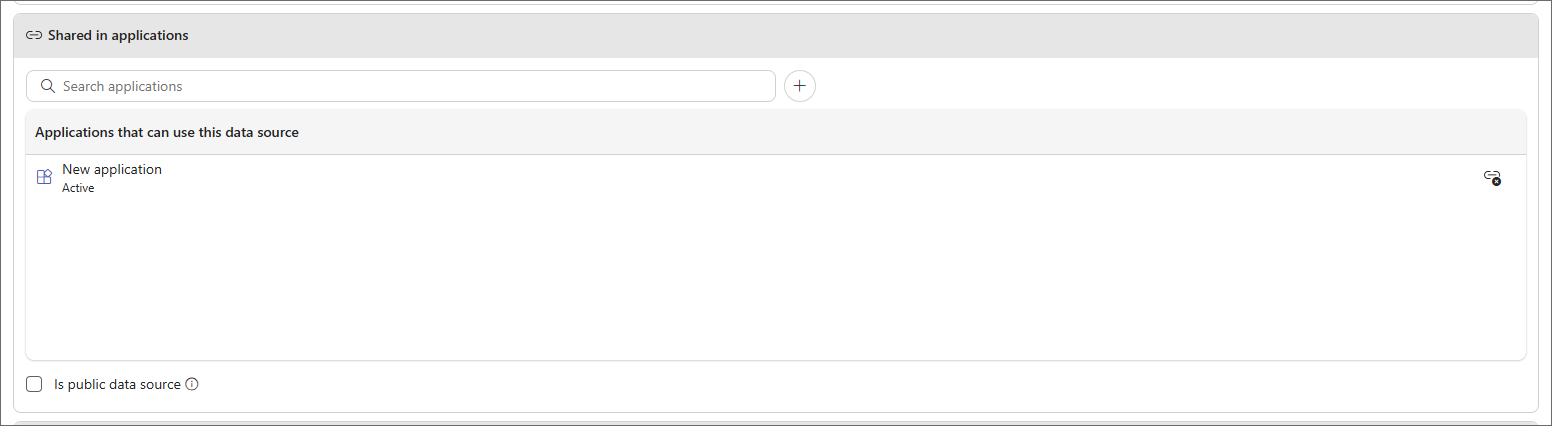
The Shared in applications section shows which applications currently use this data source. The Search applications field together with the Attach to application button lets you link the data source to another application; the Applications that can use this data source table lists the applications already linked to it, along with their status and an icon for detaching the link.
The Is public data source checkbox at the bottom of this section makes the data source available to every application in the system, so it can be used by processes running in any application — without having to link it to each one individually.
Data source owners

The Data source owners field defines which users are allowed to edit the data source's configuration and share it with further applications. Other Designer Studio users — who are neither owners of the data source nor system administrators — can still use the data source in applications it's shared with, but cannot edit its configuration.