Step 9: Available holiday days
The step allows you to configure displaying available holiday days.
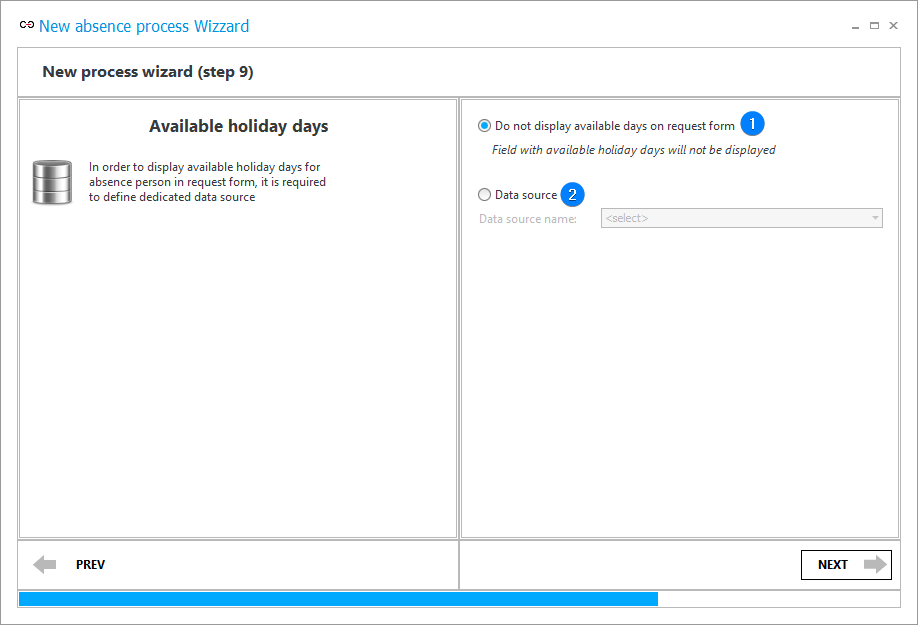
1. Do not display available days on request form
Select this option if there is no data on the number of available holiday days.
2. Data source
This option allows you to select an existing data source or create a new source using the data source wizard. When selected, a "Leave summary" form field is added to the right column of the form in the annual leave process.