Reports
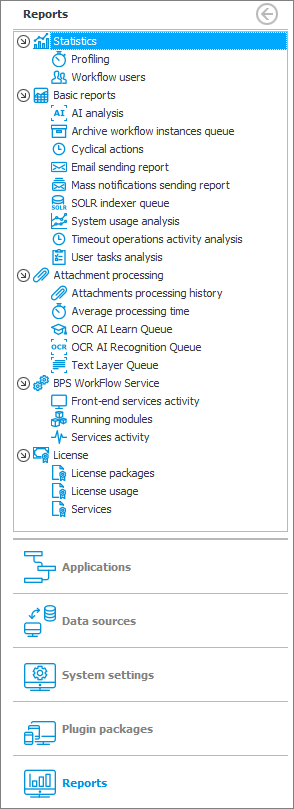
The section contains a range of relevant information about system performance in the form of reports. Clicking on any node in the report tree will display a full analysis of the selected issue.
The results are presented in a table that allows you to further process the data, i.e. to group them according to the selected criteria.
Main report window

1. Action panel
Includes options to update, copy, add/delete, reset or export report items.
2. Grouping criteria
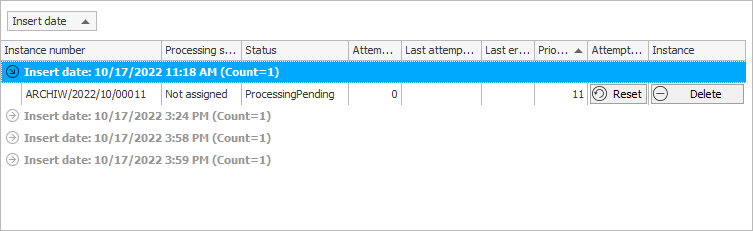
After dragging the column header into this area, the value that the column represents becomes the grouping criterion.

As a result, the report results are grouped accordingly:
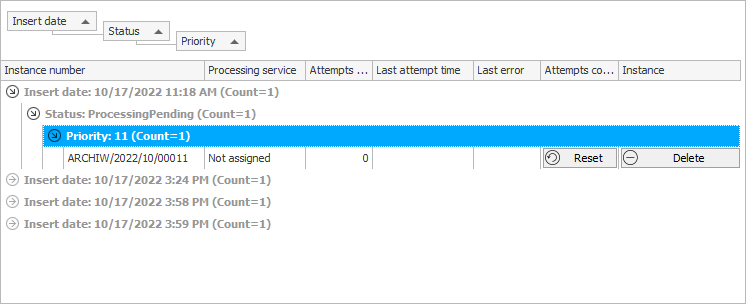
It is possible to group the given criteria hierarchically.
Additionally, you can custom filter the results within a category.

3. Results
Shows results of a selected report in the form of a table.